Boudin. - Flux.1.1 pro
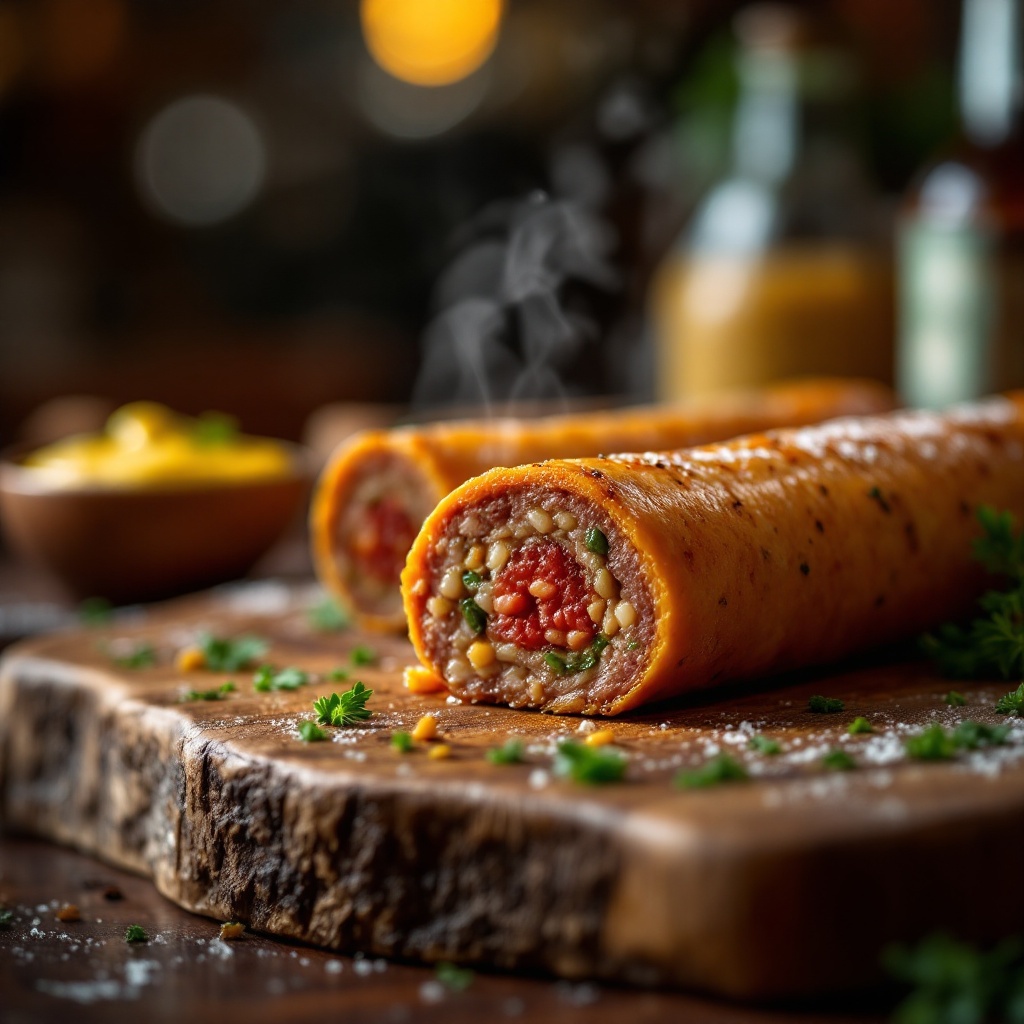
prompt
Capture a close-up macro shot of a perfectly cooked Boudin, its golden-brown casing glistening with a slight sheen, revealing hints of deep red and green from the rich blend of pork, rice, and spices within. Nestled on a rustic wooden board, the sausage is accompanied by a small bowl of vibrant, tangy mustard and a sprinkle of fresh parsley for a pop of color. The setting is an inviting kitchen with warm, ambient lighting casting a soft glow, enhancing the textures and details of the dish. Steam gently rises from the sausage, hinting at its warmth, while the aroma of herbs and spices fills the air. The composition focuses on the Boudin at the center, with a shallow depth of field blurring the background, drawing the viewer's eye to the succulent details and inviting them to indulge in this culinary delight.
Detailed Analysis of the Flux AI Image Prompt
Analyze the detailed prompt used to generate the image with Flux AI Image Generator.
Explore Flux Prompts for the Flux AI Image Generator
How to generate image by Flux.1.1 pro
Follow these four simple steps to create your desired image.
Step 1: Enter Your Text (Feel free to refine your prompt for better results)
Step 2: Choose Image Aspect Ratio
Step 3: Select Your Flux Model:
Step 4: Click the Generate Button and Wait a Few Seconds for Your Image
Related Flux AI tools for prompts about Flux.1.1 pro
Discover advanced tools from Flux AI to boost your creative workflow.