FIBA Under-19 Basketball World Cup - Flux.1 dev
prompt
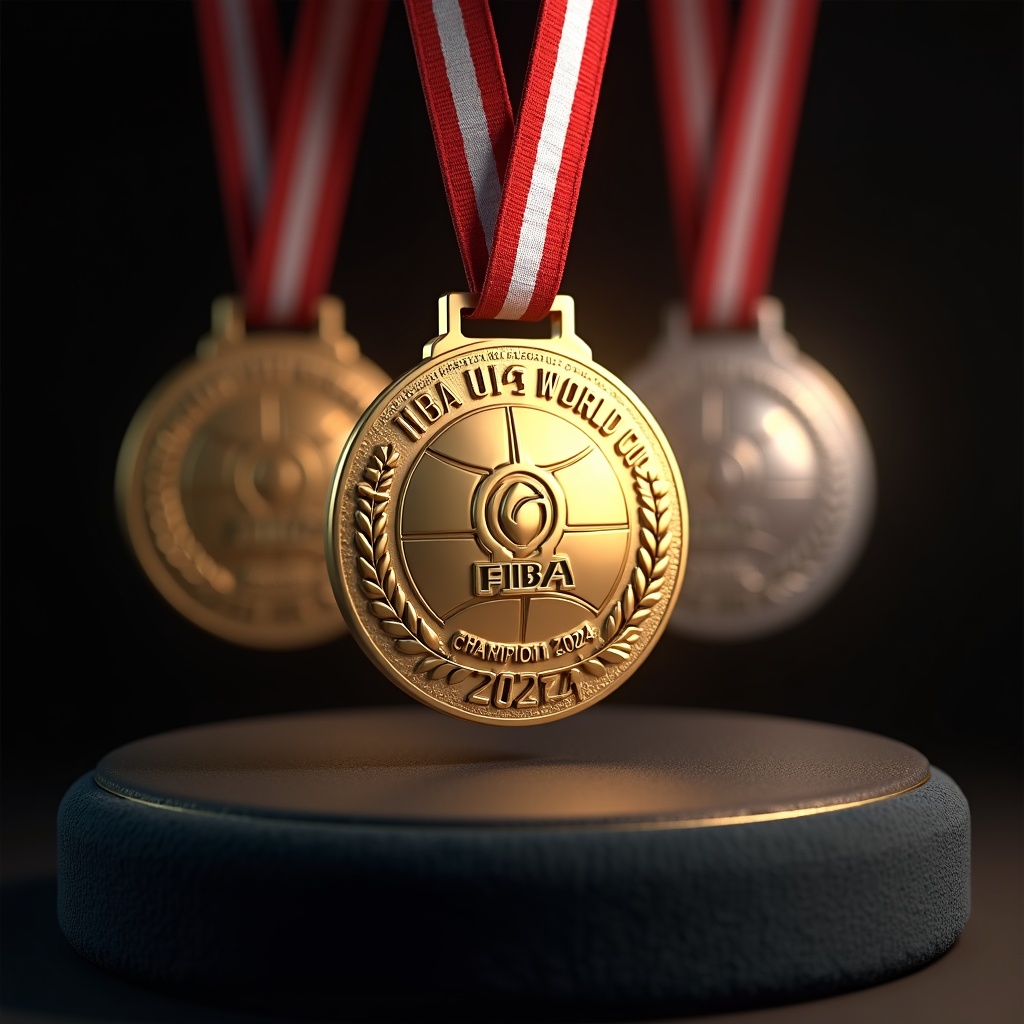
Generate a highly detailed, photorealistic image of FIBA Under-19 Basketball World Cup medals, featuring a circular gold, silver, and bronze design (60mm diameter) with a polished metallic finish. The obverse side showcases an embossed FIBA logo at the center, surrounded by a raised basketball texture and 'FIBA U19 World Cup' engraved in bold typography. The reverse includes 'Champion 2024' (or runner-up/3rd place) with laurel wreath motifs. Attach a 35mm-wide ribbon in FIBA's signature red and white stripes, with a sleek metal clasp. Render the medals suspended mid-air or displayed on a dark velvet podium, illuminated by soft spotlighting to highlight reflections and textures. Add subtle lens flare for realism, with a shallow depth of field focusing on the gold medal." (999 characters)
Detailed Analysis of the Flux AI Image Prompt
Analyze the detailed prompt used to generate the image with Flux AI Image Generator.
Explore Flux Prompts for the Flux AI Image Generator
How to generate image by Flux.1 dev
Follow these four simple steps to create your desired image.
Step 1: Enter Your Text (Feel free to refine your prompt for better results)
Step 2: Choose Image Aspect Ratio
Step 3: Select Your Flux Model:
Step 4: Click the Generate Button and Wait a Few Seconds for Your Image
Related Flux AI tools for prompts about Flux.1 dev
Discover advanced tools from Flux AI to boost your creative workflow.