Hyena - Flux.1 dev
prompt
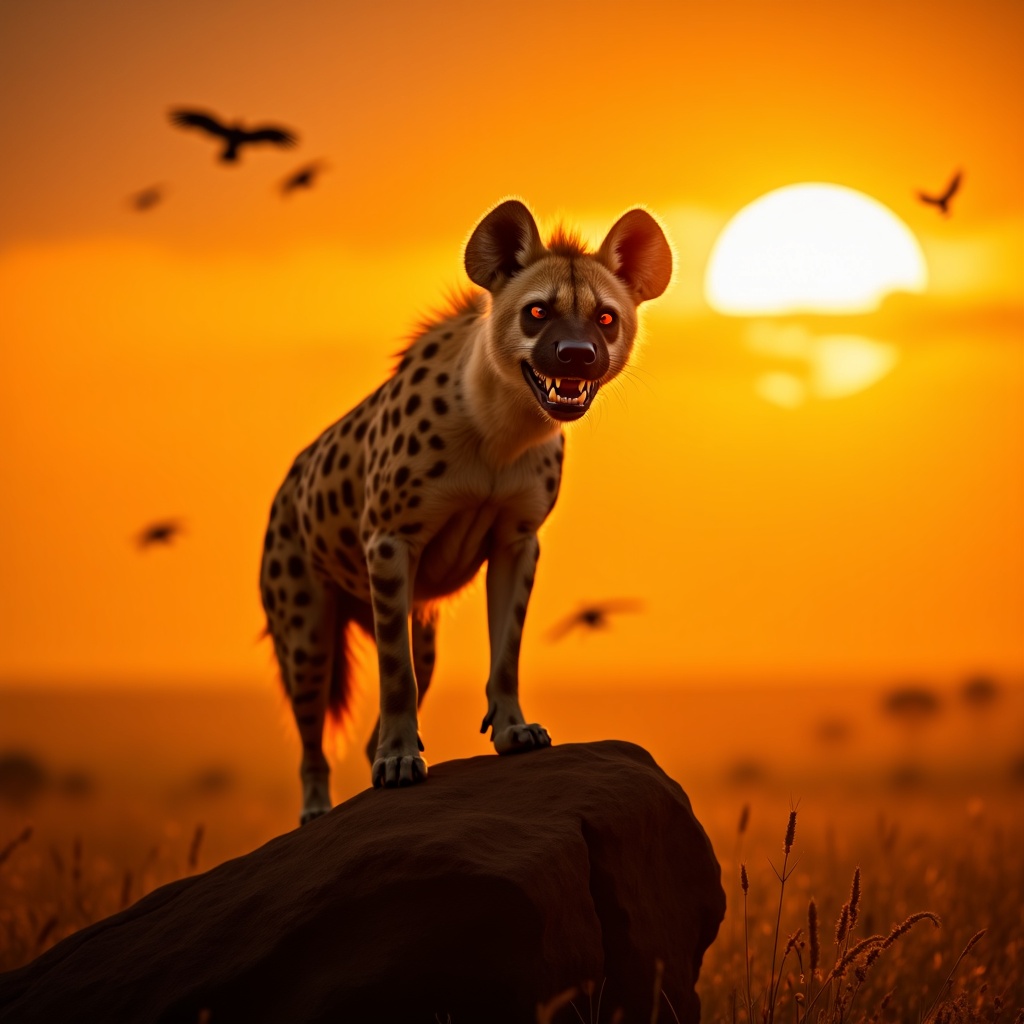
**Image Prompt:** A majestic spotted hyena stands atop a sun-baked rock in the golden savanna, its powerful frame silhouetted against a fiery sunset. Its fur is a mix of tawny brown and dark spots, with intense amber eyes gleaming with intelligence. The hyena’s mouth is slightly open, revealing sharp teeth, as if caught mid-chuckle or growl. The background features vast, windswept grasslands with scattered acacia trees, their silhouettes stretching long in the fading light. **Artistic Style:** Hyper-realistic with a touch of cinematic drama, blending the detail of wildlife photography with the atmospheric depth of a fantasy landscape. **Lighting & Color Palette:** Warm, golden-hour hues—deep oranges, rich yellows, and soft purples—casting dramatic shadows. The hyena’s fur glows under the slanting sunlight. **Mood:** Wild, untamed, and slightly mysterious, evoking the raw power of the African wilderness. **Camera Angle & Composition:** Low-angle shot to emphasize the hyena’s dominance, with a slightly wide frame to capture the sweeping landscape. Dust particles catch the light, adding texture. **Additional Elements:** A distant lion’s faint roar echoes, hinting at rivalry, while vultures circle high above, enhancing the untamed atmosphere.
Detailed Analysis of the Flux AI Image Prompt
Analyze the detailed prompt used to generate the image with Flux AI Image Generator.
Explore Flux Prompts for the Flux AI Image Generator
How to generate image by Flux.1 dev
Follow these four simple steps to create your desired image.
Step 1: Enter Your Text (Feel free to refine your prompt for better results)
Step 2: Choose Image Aspect Ratio
Step 3: Select Your Flux Model:
Step 4: Click the Generate Button and Wait a Few Seconds for Your Image
Related Flux AI tools for prompts about Flux.1 dev
Discover advanced tools from Flux AI to boost your creative workflow.