Thigh-Mandala Wolf - Flux.1 dev
prompt
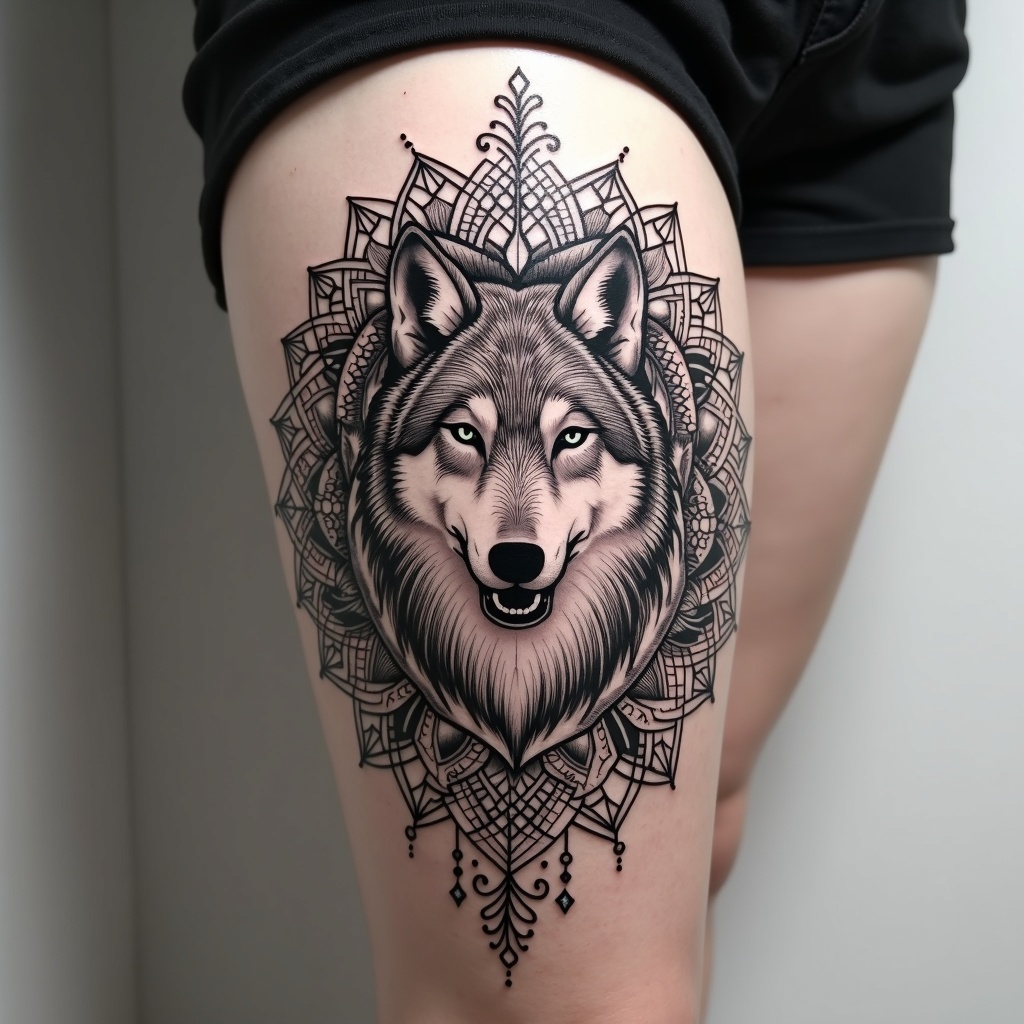
**Prompt:** A striking thigh-mandala tattoo featuring a majestic wolf at its center, seamlessly integrated into intricate geometric patterns and floral motifs. The wolf is rendered in a semi-realistic style with bold, clean lines, surrounded by symmetrical mandala elements that flow dynamically around the thigh. The design is medium to large-scale, wrapping elegantly to emphasize the body’s curves. A monochrome palette with subtle shading enhances depth, while delicate dotwork and fine line details add texture. Symbolizing strength, intuition, and balance, the piece blends tribal and spiritual influences. The overall aesthetic is bold yet harmonious, merging organic and geometric forms for a powerful, mesmerizing effect.
Detailed Analysis of the Flux AI Image Prompt
Analyze the detailed prompt used to generate the image with Flux AI Image Generator.
Explore Flux Prompts for the Flux AI Image Generator
How to generate image by Flux.1 dev
Follow these four simple steps to create your desired image.
Step 1: Enter Your Text (Feel free to refine your prompt for better results)
Step 2: Choose Image Aspect Ratio
Step 3: Select Your Flux Model:
Step 4: Click the Generate Button and Wait a Few Seconds for Your Image
Related Flux AI tools for prompts about Flux.1 dev
Discover advanced tools from Flux AI to boost your creative workflow.