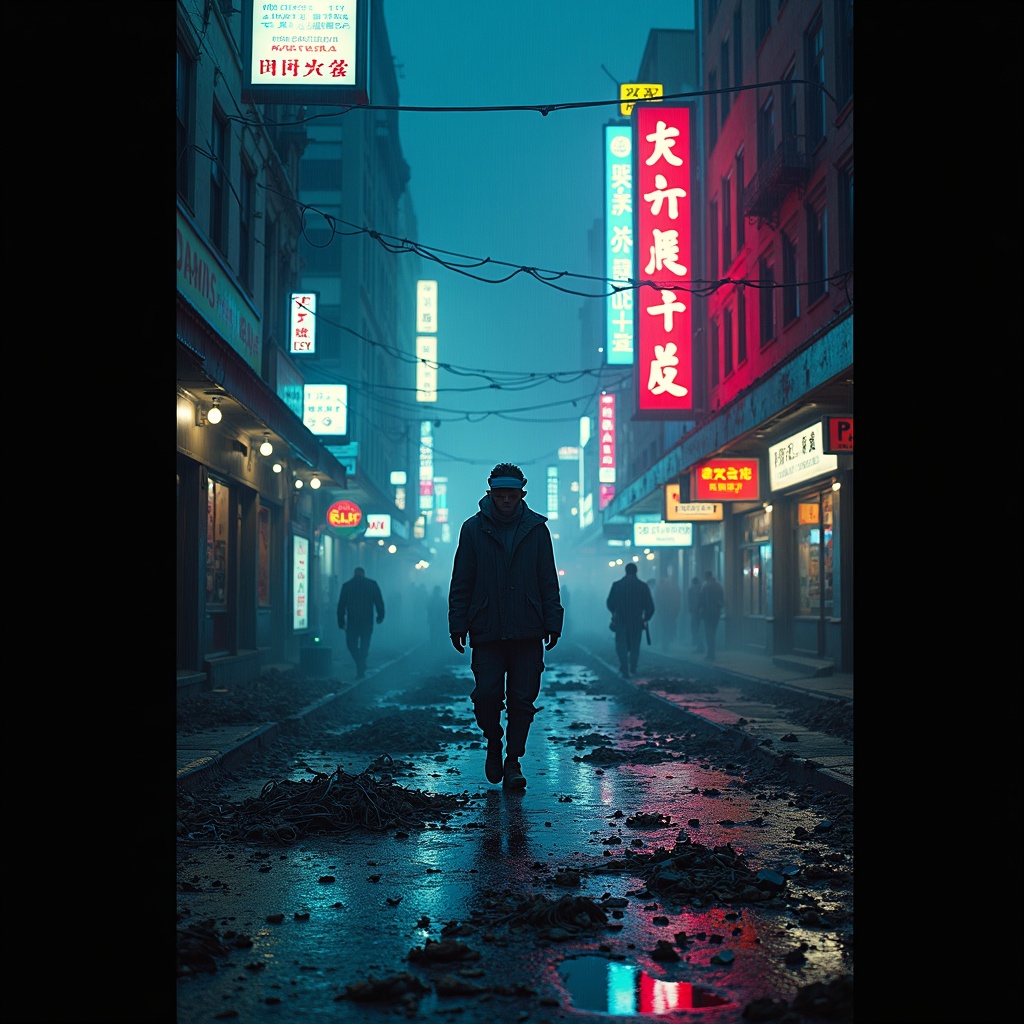
Disposable burner phones fill Chinatown gutter streams - Flux.1 dev
prompt
The neon glow of Chinatown’s towering billboards reflects off rain-slicked streets, casting rippling electric hues of cyan, magenta, and gold across the murky gutter streams clogged with discarded burner phones—shattered screens flickering faintly, their dying pixels glitching fragmented ads and scrambled text. The air hums with the static of dead signals, mingling with the scent of fried street food and ozone, as steam rises from sewer grates, weaving through the tangled cords and cracked plastic casings that litter the pavement. A lone figure in a tattered, high-collar jacket steps carefully over the debris, their face obscured by a flickering AR visor, while holographic graffiti pulses on the damp brick walls above, warning of surveillance and dead drops. The scene is a chaotic symphony of decay and hyper-modernity, where the detritus of disposable technology merges with the vibrant, oppressive energy of the district, bathed in the cold, uneven light of flickering signage and distant police drones cutting through the smog.
Detailed Analysis of the Flux AI Image Prompt
Analyze the detailed prompt used to generate the image with Flux AI Image Generator.
Explore Flux Prompts for the Flux AI Image Generator
How to generate image by Flux.1 dev
Follow these four simple steps to create your desired image.
Step 1: Enter Your Text (Feel free to refine your prompt for better results)
Step 2: Choose Image Aspect Ratio
Step 3: Select Your Flux Model:
Step 4: Click the Generate Button and Wait a Few Seconds for Your Image
Related Flux AI tools for prompts about Flux.1 dev
Discover advanced tools from Flux AI to boost your creative workflow.