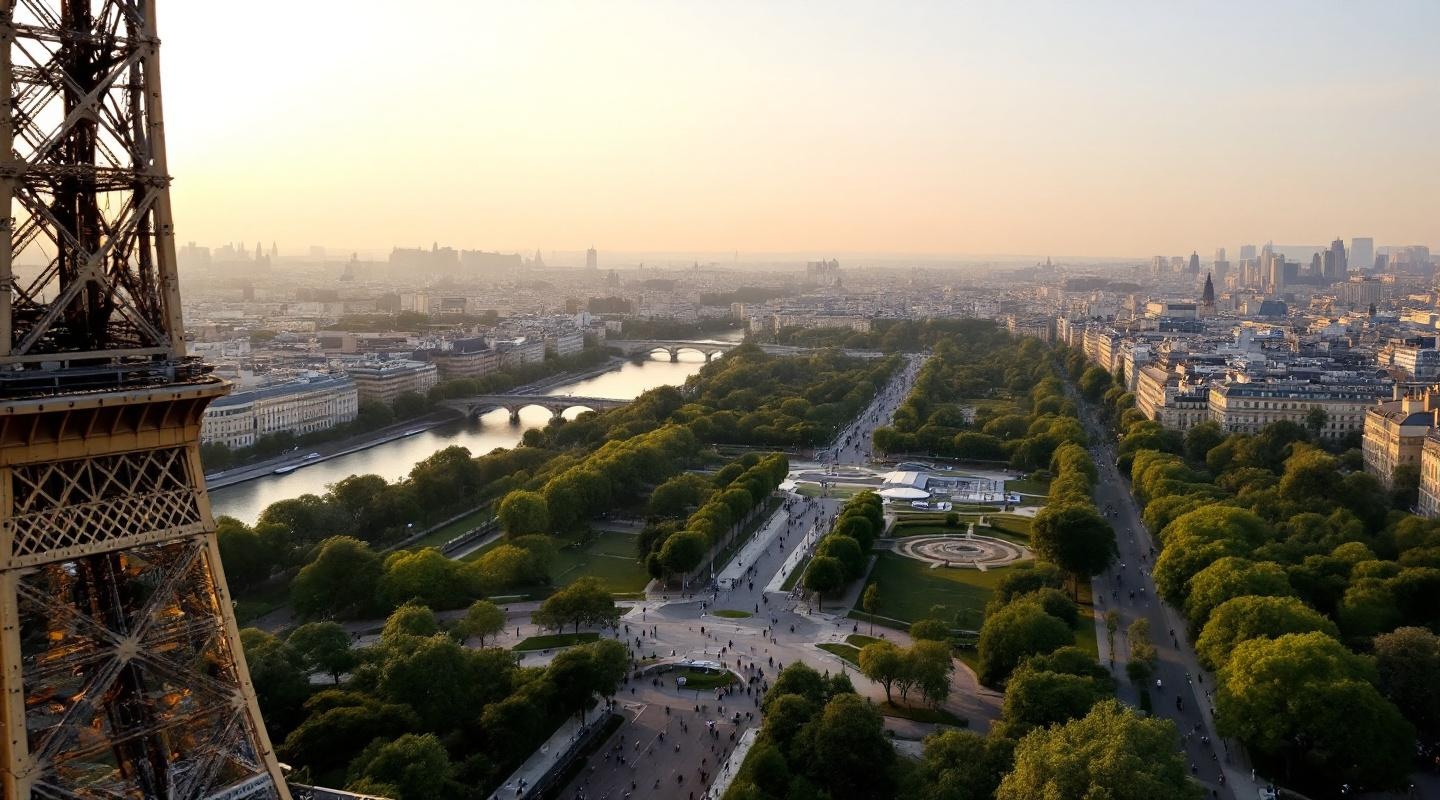
Eiffel Tower - Flux.1.1 pro
prompt
**Prompt:** *"A breathtaking view of the Eiffel Tower at golden hour, its intricate iron lattice structure glowing warm against a soft pastel sky. The tower's graceful curves and towering height dominate the scene, with sunlight reflecting off its weathered iron beams, highlighting the rivets and geometric patterns. The Champ de Mars stretches below, dotted with lush greenery and visitors strolling along tree-lined paths. The Seine River glimmers in the distance, with Haussmann-style buildings framing the horizon. A faint haze adds a dreamy quality, enhancing the romantic Parisian atmosphere. Shot in a cinematic style with a slightly elevated perspective, emphasizing the tower's grandeur against the cityscape."* (Characters: 598)
Detailed Analysis of the Flux AI Image Prompt
Analyze the detailed prompt used to generate the image with Flux AI Image Generator.
Explore Flux Prompts for the Flux AI Image Generator
How to generate image by Flux.1.1 pro
Follow these four simple steps to create your desired image.
Step 1: Enter Your Text (Feel free to refine your prompt for better results)
Step 2: Choose Image Aspect Ratio
Step 3: Select Your Flux Model:
Step 4: Click the Generate Button and Wait a Few Seconds for Your Image
Related Flux AI tools for prompts about Flux.1.1 pro
Discover advanced tools from Flux AI to boost your creative workflow.