Majestic Eagle: Freedom in Flight - Flux.1 dev
Lời nhắc
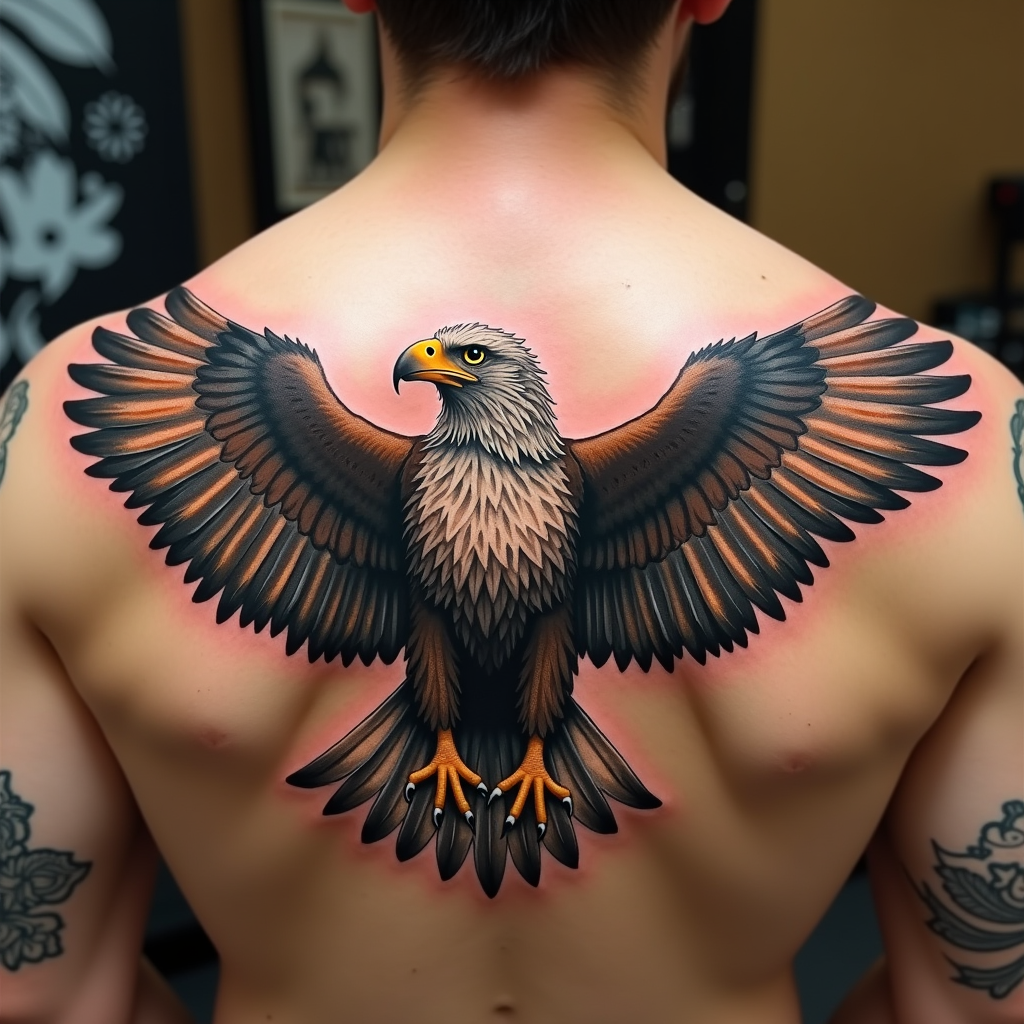
Create a realistic tattoo design of an eagle with spread wings on the shoulder. The eagle should be in mid-flight, with intricate feathers and sharp talons. The artistic style is highly detailed and realistic, resembling a 3D rendering. The tattoo should cover the entire shoulder area, approximately 10 inches in diameter. Use a vibrant color palette with shades of brown, white, and golden hues, accentuated by deep blacks for contrast. Incorporate subtle textures to give the feathers a natural look. The eagle's eyes should be piercing and expressive. This design draws from Native American cultural symbolism, representing freedom and strength. The overall mood is powerful and majestic, with a sense of dynamic movement.
Phân tích Chi tiết về Prompt Hình ảnh Flux AI
Phân tích prompt chi tiết được sử dụng để tạo ra hình ảnh với Flux AI Image Generator.
Khám phá Flux Prompts cho Trình tạo hình ảnh Flux AI
Cách tạo hình ảnh bằng Flux.1 dev
Theo dõi bốn bước đơn giản dưới đây để tạo ra hình ảnh bạn mong muốn.
Bước 1: Nhập Văn bản của Bạn (Cảm thấy tự do tinh chỉnh prompt của bạn để có kết quả tốt hơn)
Bước 2: Chọn Tỷ lệ Khung Hình của Hình ảnh
Bước 3: Chọn Mô hình Flux của Bạn:
Bước 4: Nhấn Nút Tạo và Chờ vài Giây để Có Hình ảnh của Bạn
Công cụ Flux AI liên quan đến prompts về Flux.1 dev
Khám phá các công cụ nâng cao từ Flux AI để tăng cường quy trình làm việc sáng tạo của bạn.