Köttbullar - Flux.1.1 pro
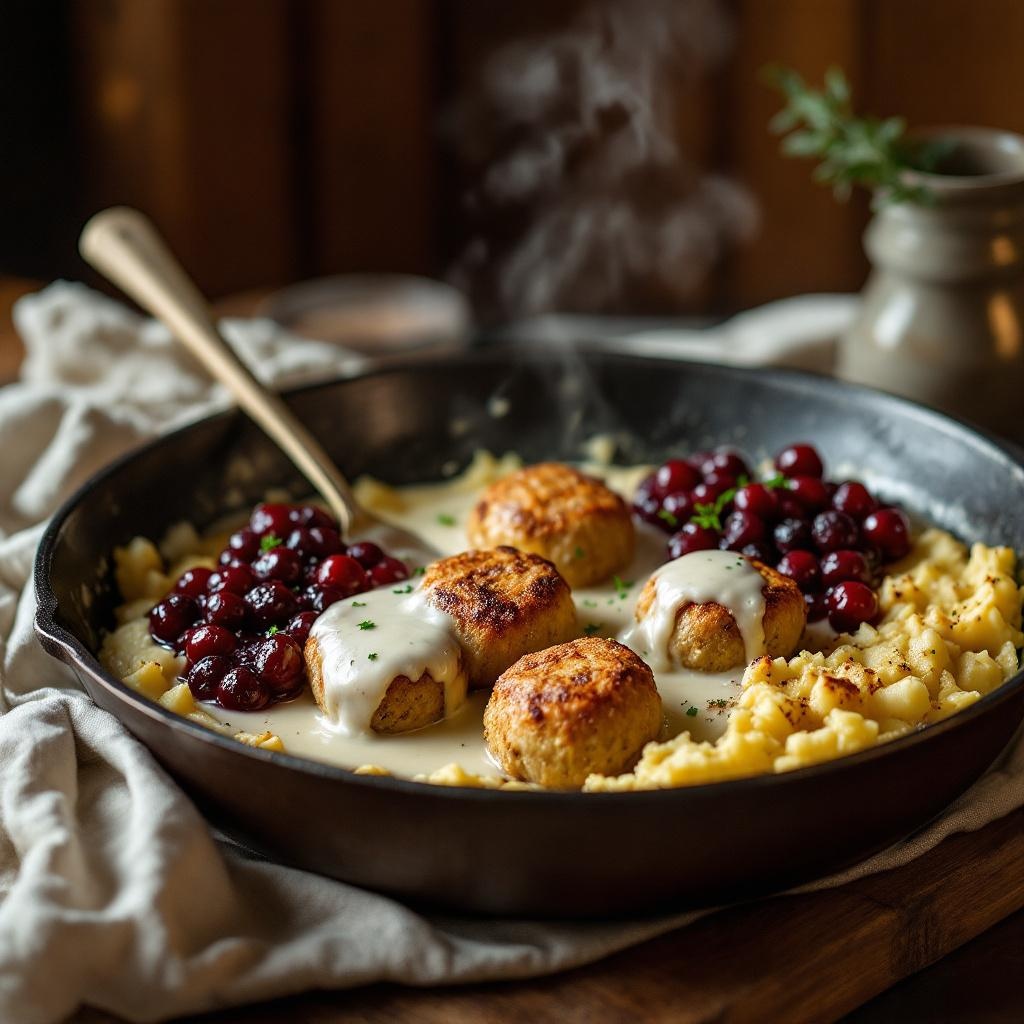
prompt
**Prompt:** "Golden-brown Köttbullar, glistening with a rich, velvety cream sauce, arranged in a rustic cast-iron skillet. The meatballs are tender and slightly crisp, nestled beside buttery mashed potatoes and a vibrant lingonberry compote. Soft steam rises from the dish, hinting at warmth and comfort. Warm, diffused lighting bathes the scene, casting gentle shadows that highlight the textures—the creamy sauce pooling, the coarse texture of the potatoes, the glossy sheen of the berries. Shot in a cozy, wood-paneled kitchen with a linen-draped table, evoking a homely Swedish feast. Close-up, shallow depth of field, styled in rustic food photography with a touch of natural warmth.
Detailed Analysis of the Flux AI Image Prompt
Analyze the detailed prompt used to generate the image with Flux AI Image Generator.
Explore Flux Prompts for the Flux AI Image Generator
How to generate image by Flux.1.1 pro
Follow these four simple steps to create your desired image.
Step 1: Enter Your Text (Feel free to refine your prompt for better results)
Step 2: Choose Image Aspect Ratio
Step 3: Select Your Flux Model:
Step 4: Click the Generate Button and Wait a Few Seconds for Your Image
Related Flux AI tools for prompts about Flux.1.1 pro
Discover advanced tools from Flux AI to boost your creative workflow.