Ken's Fiery Showdown Unleashed - Flux.1.1 pro
prompt
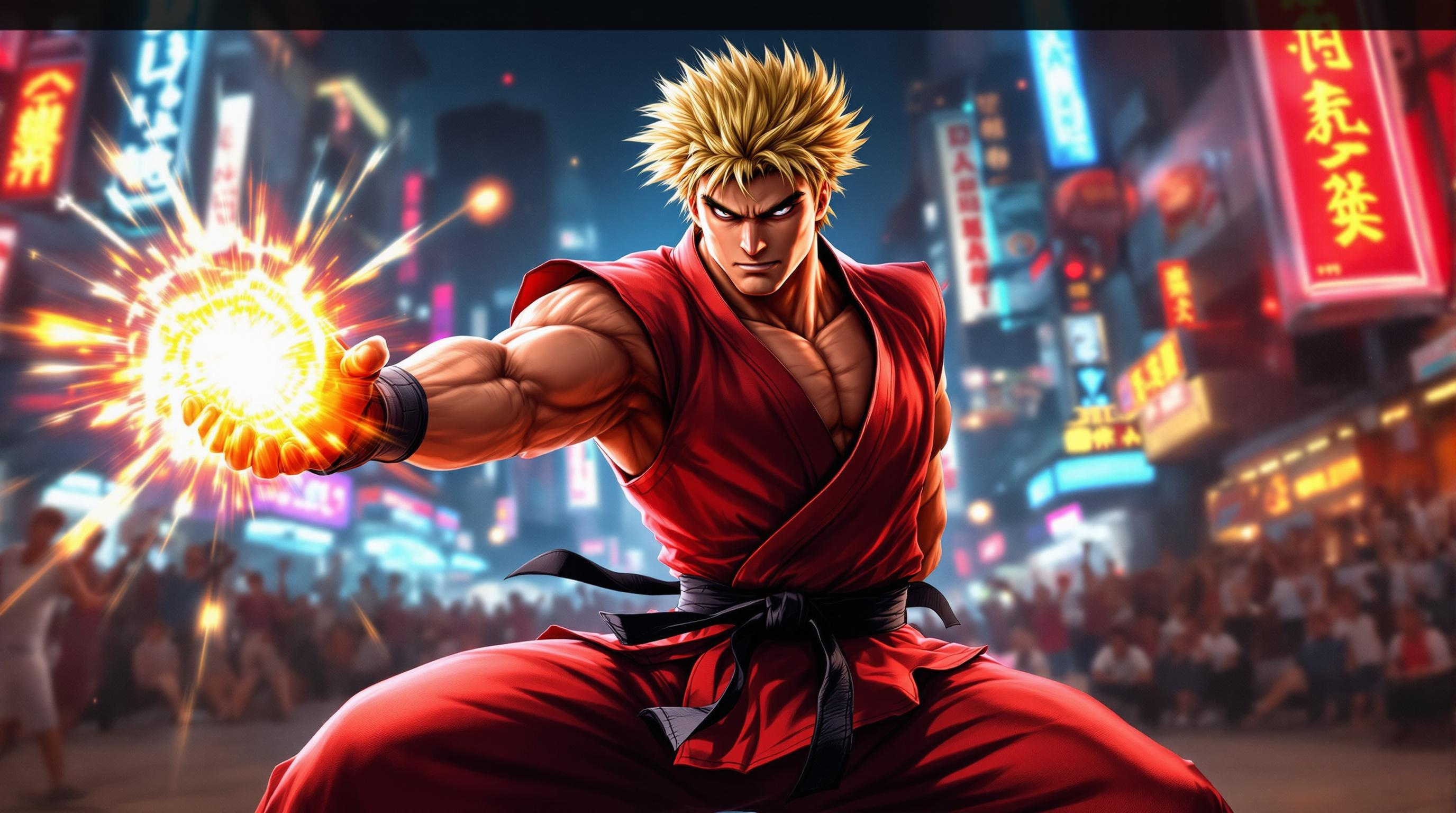
Create a dynamic scene inspired by the fighting game genre, focusing on "Street Fighter II." Depict Ken Masters, a muscular fighter with spiky blonde hair and a confident smirk, clad in a traditional red karate gi with a black belt, showcasing his iconic fiery Shoryuken pose. The background features a vibrant urban setting, with neon signs and a cheering crowd, capturing the energy of a bustling street tournament. Include elements like a glowing Hadouken energy ball in his hand, emphasizing his mastery of martial arts. The atmosphere is charged with excitement and intensity, with dramatic lighting casting shadows that highlight the action. Convey a sense of movement and power, as if Ken is about to unleash his signature attack, embodying the spirit of competition and the thrill of the fight.
Detailed Analysis of the Flux AI Image Prompt
Analyze the detailed prompt used to generate the image with Flux AI Image Generator.
Explore Flux Prompts for the Flux AI Image Generator
How to generate image by Flux.1.1 pro
Follow these four simple steps to create your desired image.
Step 1: Enter Your Text (Feel free to refine your prompt for better results)
Step 2: Choose Image Aspect Ratio
Step 3: Select Your Flux Model:
Step 4: Click the Generate Button and Wait a Few Seconds for Your Image
Related Flux AI tools for prompts about Flux.1.1 pro
Discover advanced tools from Flux AI to boost your creative workflow.