《Code Geass》-Lelouch Lamperouge - Flux.1.1 pro
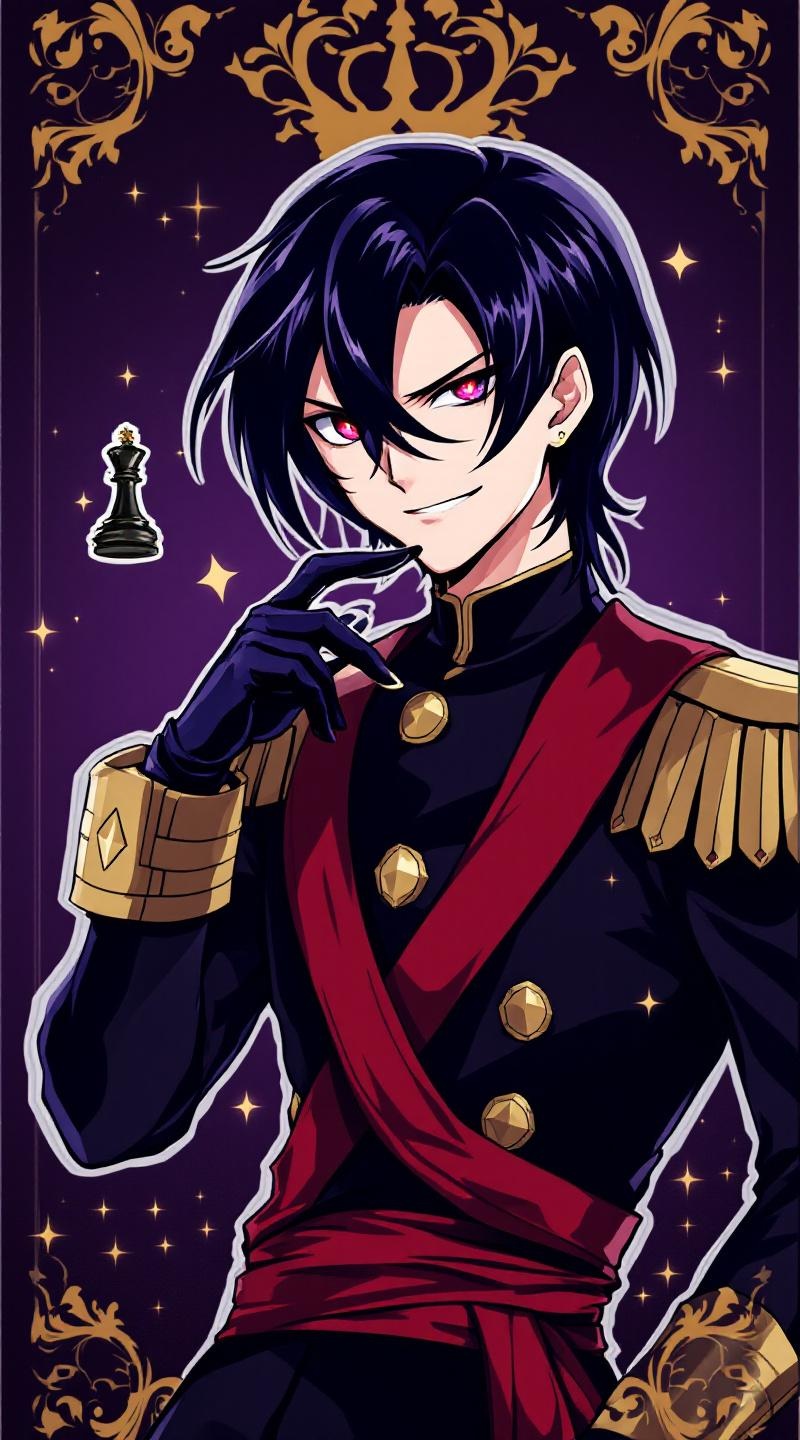
prompt
**Prompt:** *"Anime sticker style portrait of Lelouch vi Britannia (Lelouch Lamperouge) from 《Code Geass》, featuring his sharp violet eyes, pale skin, and sleek black hair. He wears his signature black Ashford Academy uniform with gold trim, a red sash, and fingerless gloves. His expression is intense and calculating, with a slight smirk, exuding his strategic genius. Pose him in a dynamic half-body stance, one hand raised near his face as if commanding Geass, glowing red eye effect subtly visible. The background is a dark, regal purple with faint golden royal insignias, evoking his imperial lineage. Stylized with clean line art, bold colors, and soft cel-shading for a polished anime sticker aesthetic. Include his iconic black chess king piece subtly floating nearby."* (Characters: 798)
Detailed Analysis of the Flux AI Image Prompt
Analyze the detailed prompt used to generate the image with Flux AI Image Generator.
Explore Flux Prompts for the Flux AI Image Generator
How to generate image by Flux.1.1 pro
Follow these four simple steps to create your desired image.
Step 1: Enter Your Text (Feel free to refine your prompt for better results)
Step 2: Choose Image Aspect Ratio
Step 3: Select Your Flux Model:
Step 4: Click the Generate Button and Wait a Few Seconds for Your Image
Related Flux AI tools for prompts about Flux.1.1 pro
Discover advanced tools from Flux AI to boost your creative workflow.