Forearm-Micro Canyon River - Flux.1.1 pro
prompt
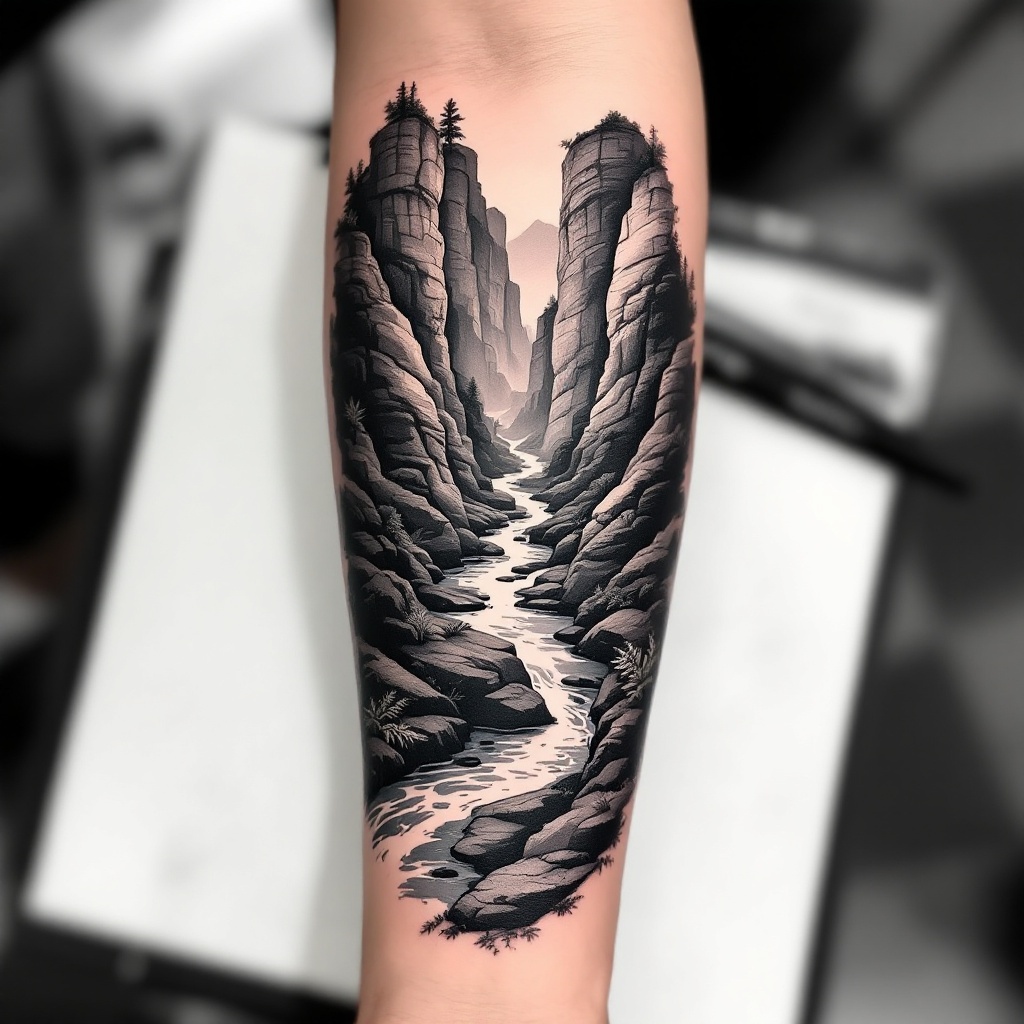
**Prompt:** "Design a **forearm tattoo** depicting a **micro canyon river** in a **hyper-realistic black and gray** style. The scene should feature **layered rock formations** with intricate **geological textures**, a **serpentine river** winding through the canyon, and subtle **mist effects** for depth. Include **delicate linework** for water ripples and **stippling shadows** to enhance dimension. The tattoo should wrap around the **outer forearm**, sized to fit the natural contours (6-8 inches long). Opt for a **monochromatic palette** with soft gradients, evoking a **moody, serene** aesthetic. Add **minimalist flora** (e.g., sparse ferns or moss) for organic contrast. Symbolically, represent **resilience and flow** through the river’s path." (998 chars)
Detailed Analysis of the Flux AI Image Prompt
Analyze the detailed prompt used to generate the image with Flux AI Image Generator.
Explore Flux Prompts for the Flux AI Image Generator
How to generate image by Flux.1.1 pro
Follow these four simple steps to create your desired image.
Step 1: Enter Your Text (Feel free to refine your prompt for better results)
Step 2: Choose Image Aspect Ratio
Step 3: Select Your Flux Model:
Step 4: Click the Generate Button and Wait a Few Seconds for Your Image
Related Flux AI tools for prompts about Flux.1.1 pro
Discover advanced tools from Flux AI to boost your creative workflow.