Master Lego builder assembling 10ft dinosaur skeleton - Flux.1 dev
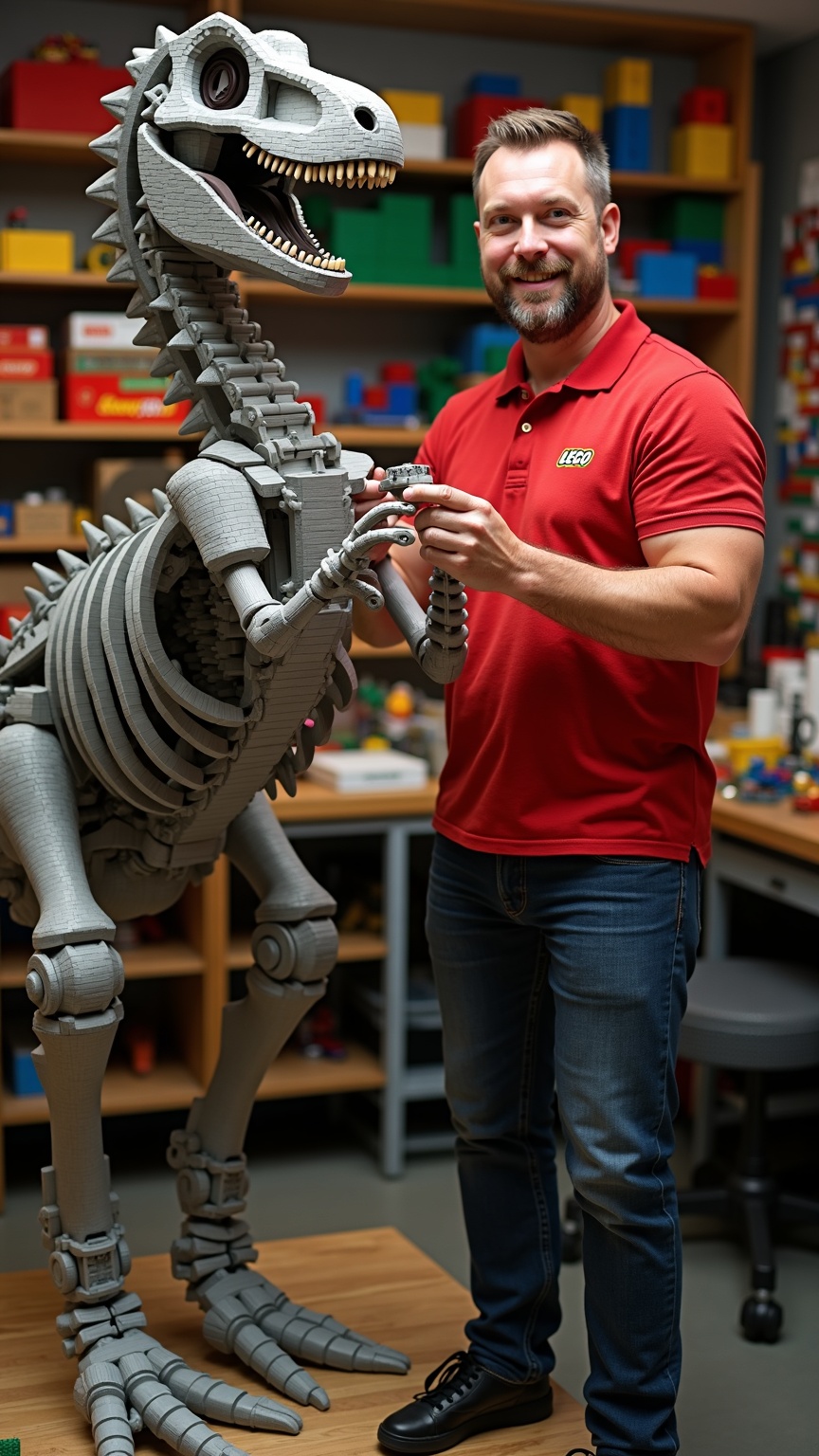
prompt
**Prompt:** *A master Lego builder, a middle-aged man with a neatly trimmed beard, sharp blue eyes, and short brown hair, stands confidently beside a towering 10ft dinosaur skeleton made entirely of Lego bricks. He has a lean, athletic build and wears a red polo shirt with the Lego logo embroidered on the chest, dark blue jeans, and black sneakers. His expression is focused and proud, with a slight smile as he adjusts a section of the skeleton’s spine. His hands are precise, carefully placing a brick into place. The workshop is brightly lit, with shelves of organized Lego pieces in vibrant colors lining the walls. The dinosaur skeleton dominates the space, its intricate design showcasing expert craftsmanship.*
Detailed Analysis of the Flux AI Image Prompt
Analyze the detailed prompt used to generate the image with Flux AI Image Generator.
Explore Flux Prompts for the Flux AI Image Generator
How to generate image by Flux.1 dev
Follow these four simple steps to create your desired image.
Step 1: Enter Your Text (Feel free to refine your prompt for better results)
Step 2: Choose Image Aspect Ratio
Step 3: Select Your Flux Model:
Step 4: Click the Generate Button and Wait a Few Seconds for Your Image
Related Flux AI tools for prompts about Flux.1 dev
Discover advanced tools from Flux AI to boost your creative workflow.