Hikaru Shindo - Flux.1 dev
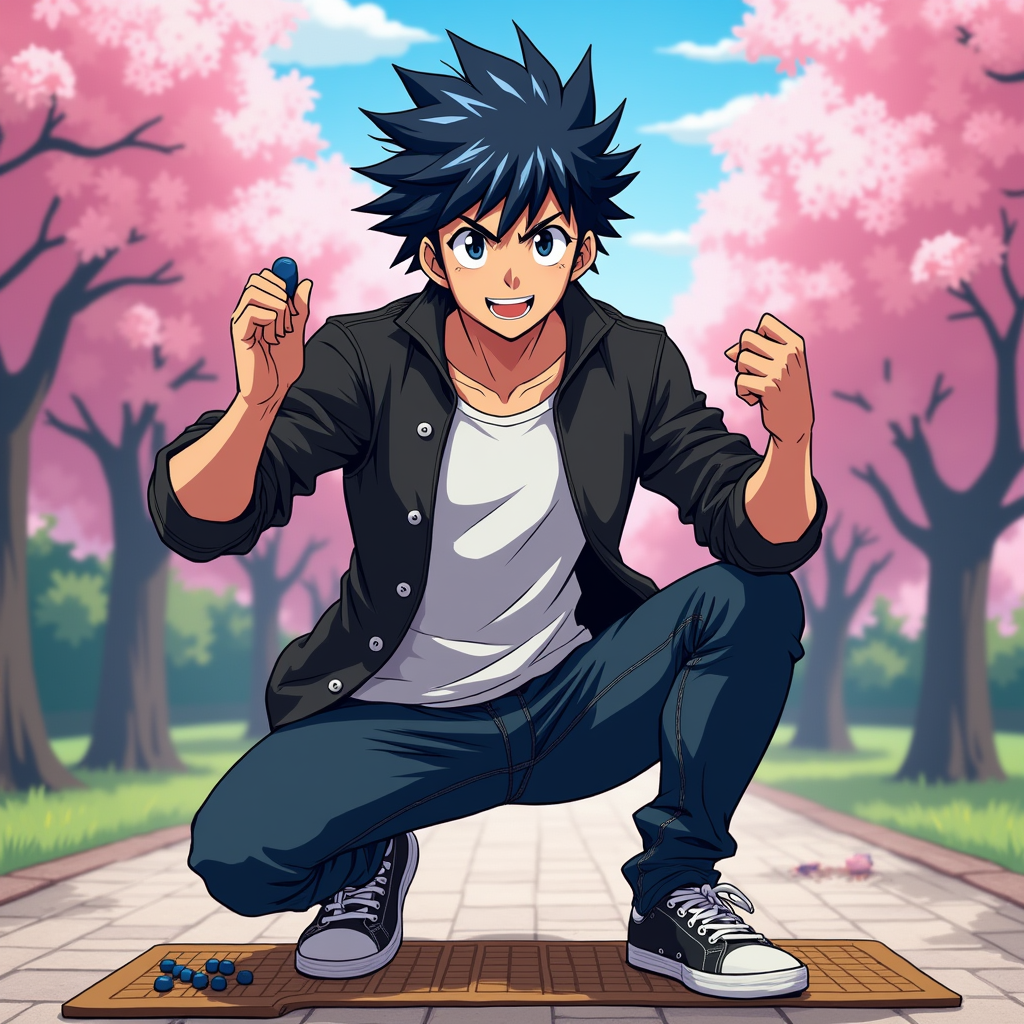
prompt
Generate an image of Hikaru Shindo in a vibrant anime style. Capture his spiky black hair with a slight blue tint, bright expressive eyes, and a determined yet friendly expression. He should be wearing a casual, stylish outfit consisting of a fitted black jacket over a white t-shirt, paired with dark jeans and sneakers. Include his signature Go board and stones as accessories, showcasing his passion for the game. Pose him in a dynamic stance, as if he's about to make a crucial move, with one hand raised and a Go stone in his fingers. The background should depict a serene park setting with cherry blossom trees, symbolizing growth and strategy. Use a colorful, energetic anime art style with bold outlines and vibrant colors, emphasizing the character's youthful spirit and determination.
Detailed Analysis of the Flux AI Image Prompt
Analyze the detailed prompt used to generate the image with Flux AI Image Generator.
Explore Flux Prompts for the Flux AI Image Generator
How to generate image by Flux.1 dev
Follow these four simple steps to create your desired image.
Step 1: Enter Your Text (Feel free to refine your prompt for better results)
Step 2: Choose Image Aspect Ratio
Step 3: Select Your Flux Model:
Step 4: Click the Generate Button and Wait a Few Seconds for Your Image
Related Flux AI tools for prompts about Flux.1 dev
Discover advanced tools from Flux AI to boost your creative workflow.