Mischief in the Shadowed Study - Flux.1.1 pro
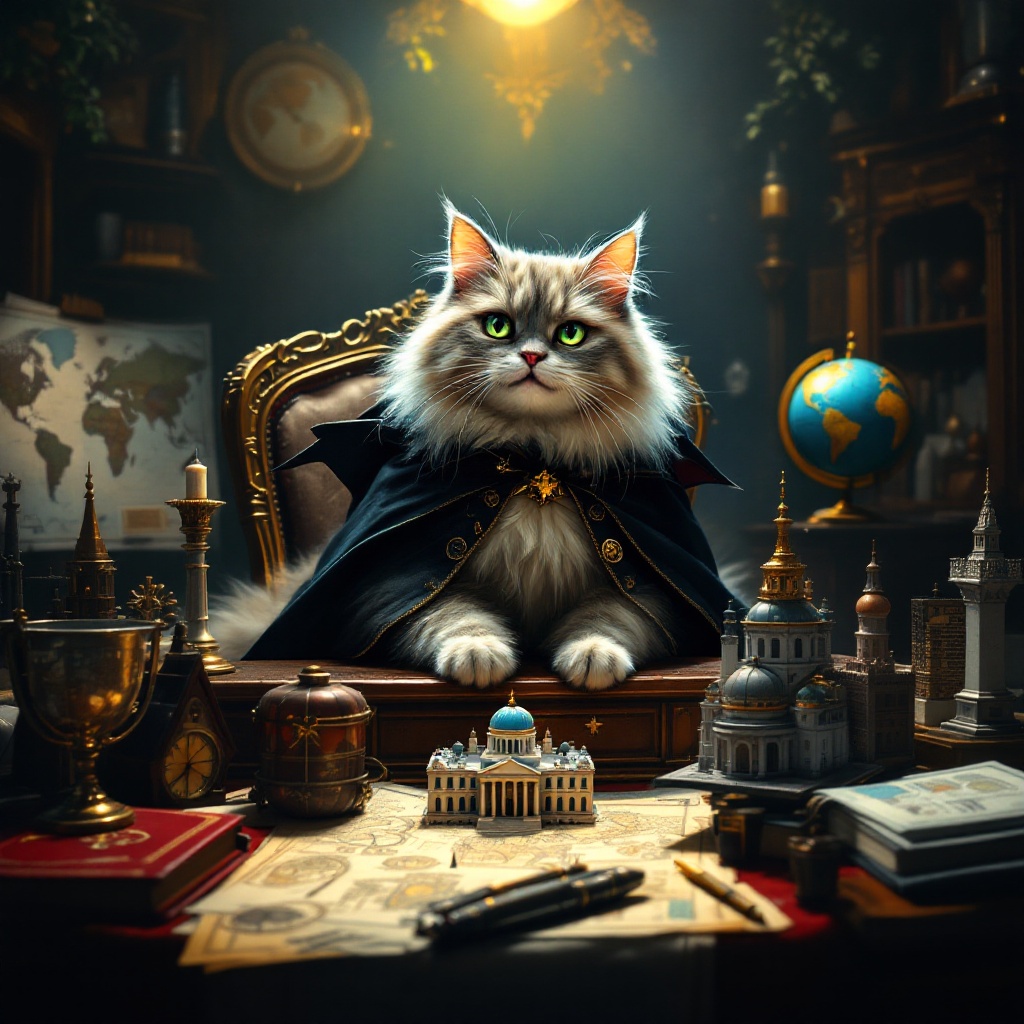
prompt
Create an image depicting a fluffy, mischievous cat sitting atop a grand, ornate desk cluttered with world maps, schematics, and tiny models of famous landmarks. The cat, with piercing green eyes, wears a tiny villainous cape and has a sly grin, as if plotting its next move. The room is dimly lit, with a single spotlight illuminating the cat, casting dramatic shadows that enhance the atmosphere of secrecy and intrigue. Rich, dark wood tones dominate the scene, complemented by deep reds and golds in the decor. A globe spins slowly in the background, hinting at global ambitions. Artistic styles like Baroque or Steampunk could enhance the opulence and whimsy of the setting, while a touch of surrealism adds to the absurdity of the cat's grand plans.
Detailed Analysis of the Flux AI Image Prompt
Analyze the detailed prompt used to generate the image with Flux AI Image Generator.
Explore Flux Prompts for the Flux AI Image Generator
How to generate image by Flux.1.1 pro
Follow these four simple steps to create your desired image.
Step 1: Enter Your Text (Feel free to refine your prompt for better results)
Step 2: Choose Image Aspect Ratio
Step 3: Select Your Flux Model:
Step 4: Click the Generate Button and Wait a Few Seconds for Your Image
Related Flux AI tools for prompts about Flux.1.1 pro
Discover advanced tools from Flux AI to boost your creative workflow.