Do not repay evil with evil. - Flux.1.1 pro
prompt
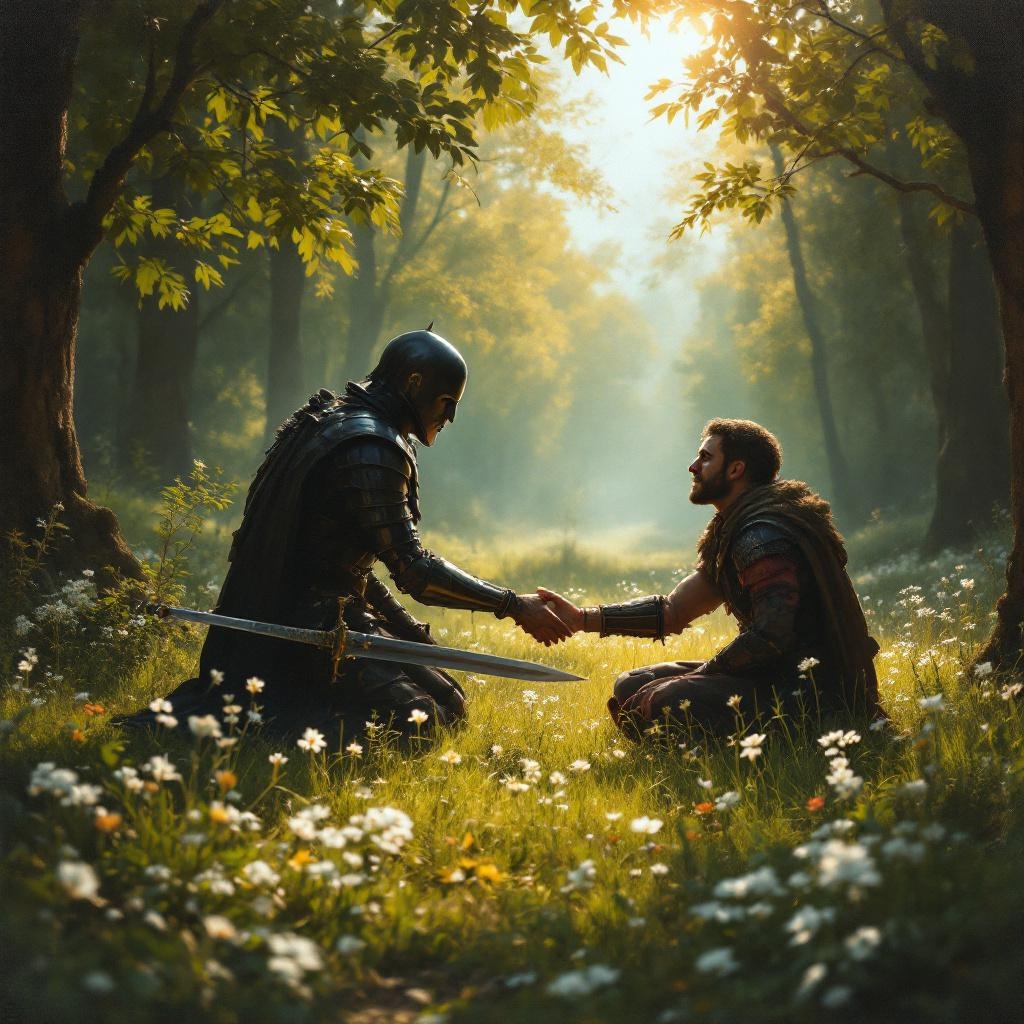
**Prompt:** A serene scene in a sunlit forest clearing, where a wounded warrior kneels before an enemy who has just spared their life. The warrior's sword lies discarded on the grass, symbolizing restraint. The enemy, clad in dark armor, extends a hand in peace, their face softened by compassion. Golden light filters through the trees, casting a warm glow on the moment of forgiveness. The style is reminiscent of classical oil paintings, with rich textures and dramatic chiaroscuro to emphasize the contrast between violence and mercy. Delicate wildflowers bloom at their feet, representing renewal. The mood is solemn yet hopeful, capturing the transformative power of choosing kindness over vengeance.
Detailed Analysis of the Flux AI Image Prompt
Analyze the detailed prompt used to generate the image with Flux AI Image Generator.
Explore Flux Prompts for the Flux AI Image Generator
How to generate image by Flux.1.1 pro
Follow these four simple steps to create your desired image.
Step 1: Enter Your Text (Feel free to refine your prompt for better results)
Step 2: Choose Image Aspect Ratio
Step 3: Select Your Flux Model:
Step 4: Click the Generate Button and Wait a Few Seconds for Your Image
Related Flux AI tools for prompts about Flux.1.1 pro
Discover advanced tools from Flux AI to boost your creative workflow.