Hand-Micro Wolf Silhouette - Flux.1.1 pro
prompt
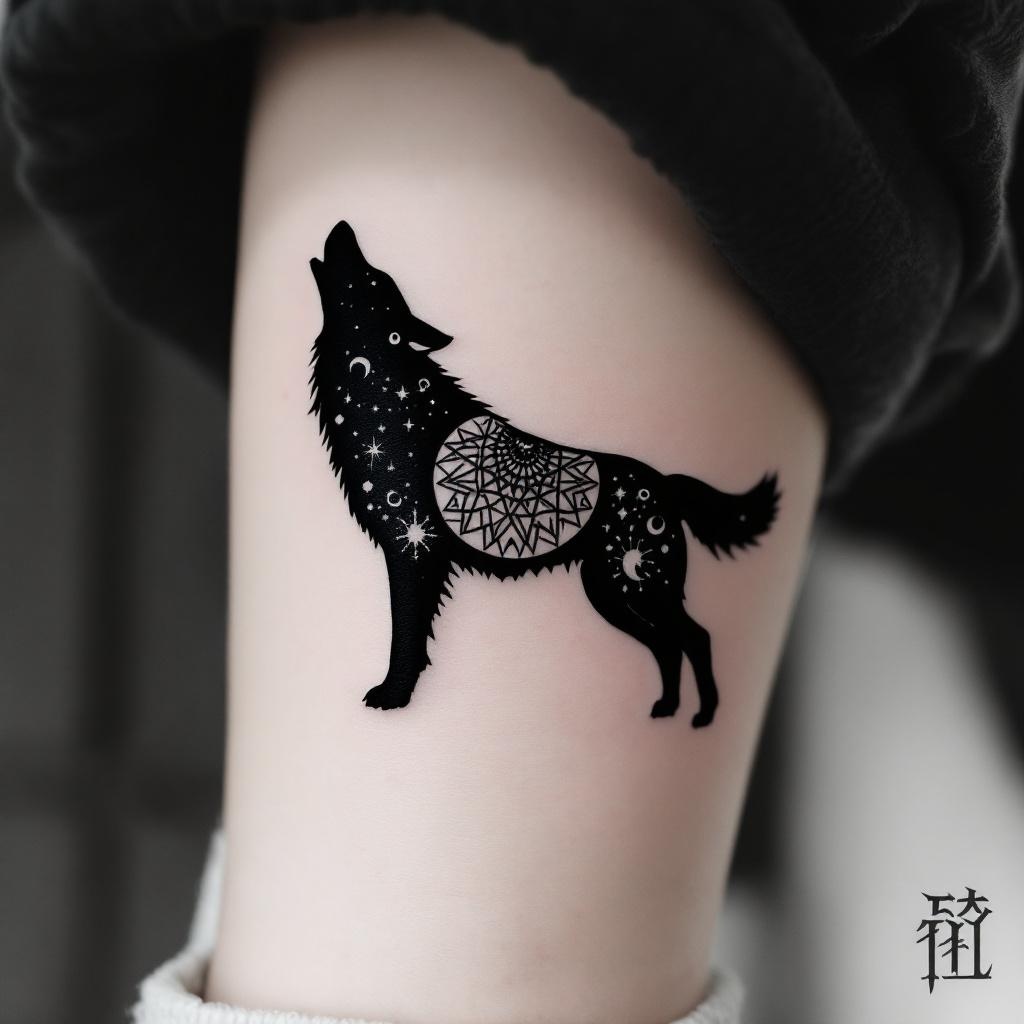
**Prompt:** A hand-micro tattoo featuring a sleek, minimalist wolf silhouette, intricately composed of fine linework and subtle dotwork shading. The design should capture the wolf in mid-howl, with delicate geometric patterns or tribal-inspired elements subtly woven into its form. Black and grey ink for a timeless look, with precise detailing to ensure clarity at a small scale. Placement on the inner wrist, forearm, or behind the ear for subtle visibility. Size: 2-3 inches, balancing detail and readability. The mood should be mystical yet understated, evoking strength and solitude. Optional: a crescent moon or faint constellation accents for added symbolism.
Detailed Analysis of the Flux AI Image Prompt
Analyze the detailed prompt used to generate the image with Flux AI Image Generator.
Explore Flux Prompts for the Flux AI Image Generator
How to generate image by Flux.1.1 pro
Follow these four simple steps to create your desired image.
Step 1: Enter Your Text (Feel free to refine your prompt for better results)
Step 2: Choose Image Aspect Ratio
Step 3: Select Your Flux Model:
Step 4: Click the Generate Button and Wait a Few Seconds for Your Image
Related Flux AI tools for prompts about Flux.1.1 pro
Discover advanced tools from Flux AI to boost your creative workflow.