Leonardo da Vinci - Flux.1 schnell
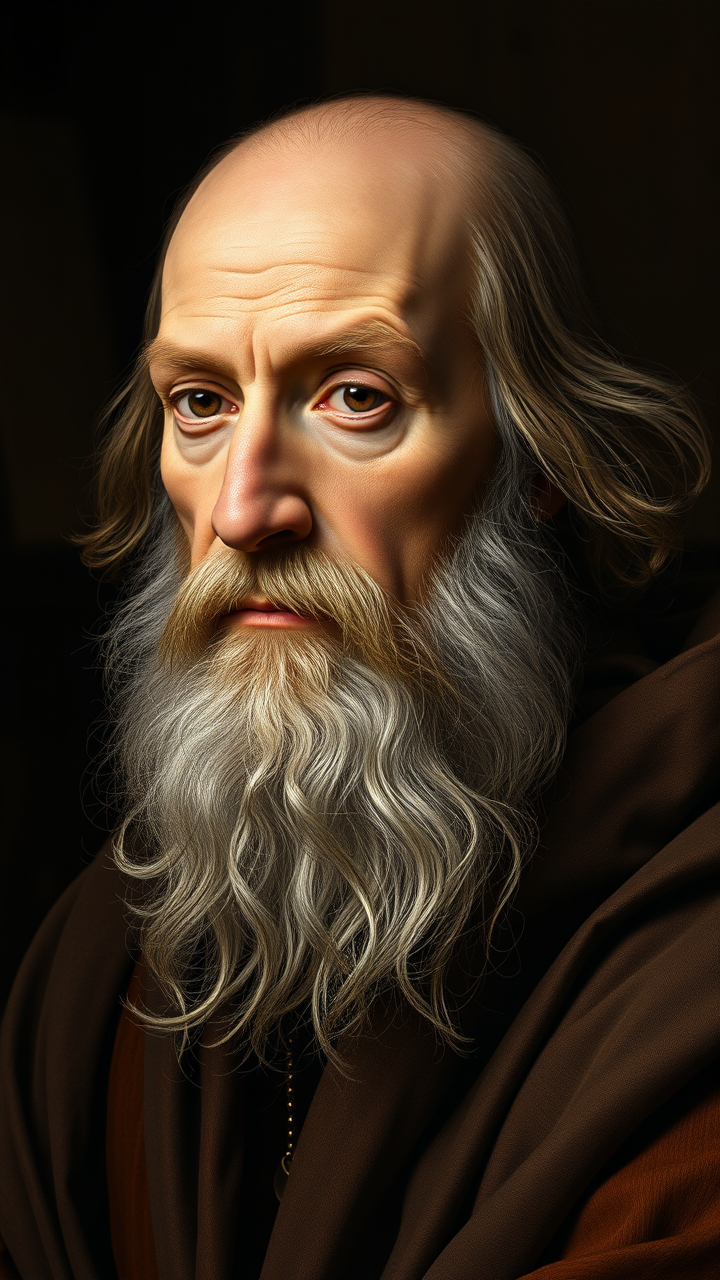
prompt
**"Generate a highly detailed Renaissance-style portrait of Leonardo da Vinci, capturing his wise and contemplative expression. His face should have sharp, intelligent features—a prominent nose, deep-set eyes, and a flowing white beard. Light him with soft, diffused chiaroscuro lighting, emphasizing the texture of his aged skin and the folds of his robes. The background should be muted and dark, evoking his workshop with subtle hints of parchment and scientific instruments. Render the portrait in a masterful oil-painting style, with rich brushstrokes and warm, earthy tones. Use a close-up, three-quarter view with a 50mm lens effect for intimacy. The mood should be scholarly yet enigmatic, reflecting his genius. Ultra HD, hyper-realistic details, 8K resolution."**
Detailed Analysis of the Flux AI Image Prompt
Analyze the detailed prompt used to generate the image with Flux AI Image Generator.
Explore Flux Prompts for the Flux AI Image Generator
How to generate image by Flux.1 schnell
Follow these four simple steps to create your desired image.
Step 1: Enter Your Text (Feel free to refine your prompt for better results)
Step 2: Choose Image Aspect Ratio
Step 3: Select Your Flux Model:
Step 4: Click the Generate Button and Wait a Few Seconds for Your Image
Related Flux AI tools for prompts about Flux.1 schnell
Discover advanced tools from Flux AI to boost your creative workflow.