Ratatouille - Flux.1 dev
prompt
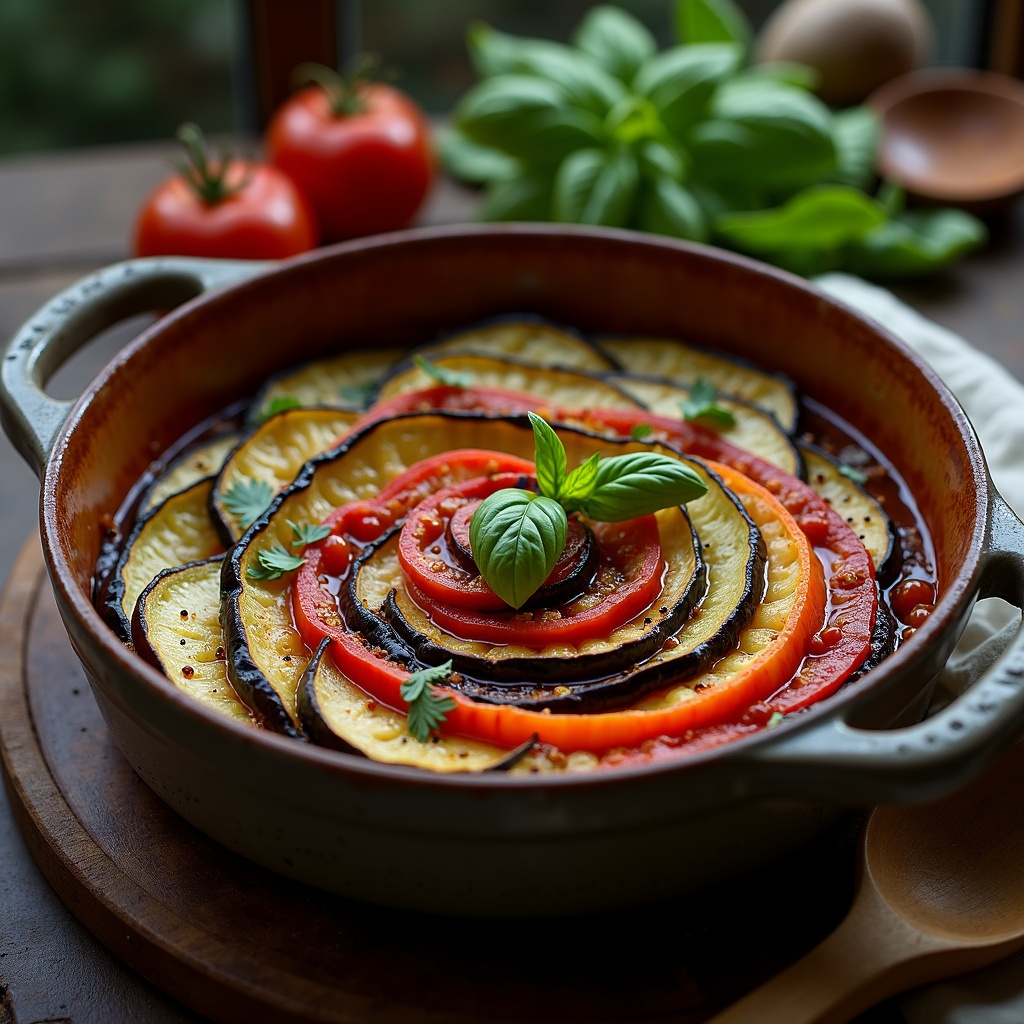
**Prompt:** "A vibrant, rustic Ratatouille arranged in a perfect spiral within a weathered ceramic dish, showcasing layers of thinly sliced zucchini, eggplant, and tomatoes in rich hues of deep purple, emerald green, and ruby red. The vegetables glisten with a glossy olive oil sheen, steam rising gently from the warm, herb-infused stew beneath. Fresh basil leaves scatter across the top, adding a pop of bright green. Soft, diffused natural light streams through a sunlit Provençal kitchen window, casting delicate shadows and highlighting the dish's textures—silky eggplant, tender peppers, and caramelized edges. Shot in a warm, inviting food photography style with a shallow depth of field, focusing on the intricate layers while a wooden spoon rests casually beside the dish, hinting at a home-cooked meal.
Detailed Analysis of the Flux AI Image Prompt
Analyze the detailed prompt used to generate the image with Flux AI Image Generator.
Explore Flux Prompts for the Flux AI Image Generator
How to generate image by Flux.1 dev
Follow these four simple steps to create your desired image.
Step 1: Enter Your Text (Feel free to refine your prompt for better results)
Step 2: Choose Image Aspect Ratio
Step 3: Select Your Flux Model:
Step 4: Click the Generate Button and Wait a Few Seconds for Your Image
Related Flux AI tools for prompts about Flux.1 dev
Discover advanced tools from Flux AI to boost your creative workflow.