Underground engineers build water-stealing drones - Flux.1.1 pro
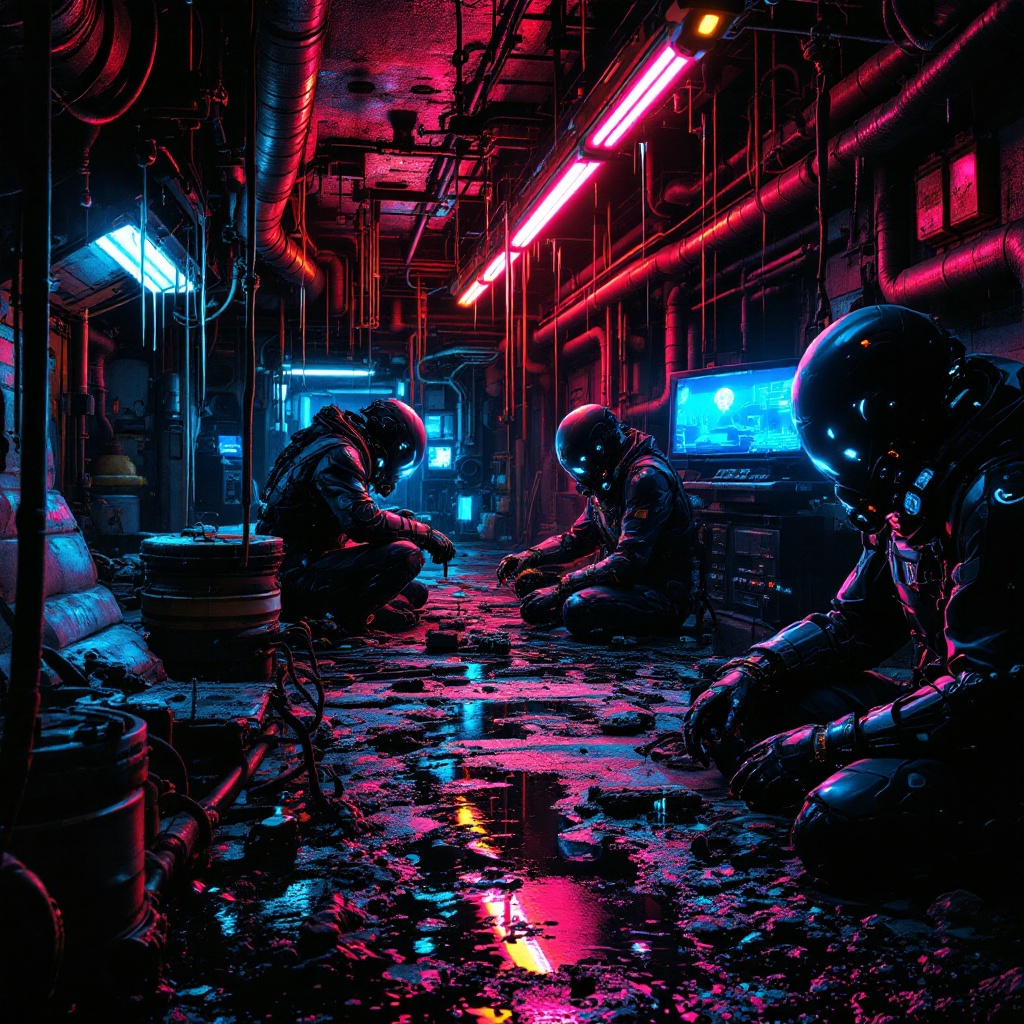
prompt
In a neon-drenched underworld of dripping pipes and flickering holograms, a clandestine team of underground engineers toil in a hidden workshop bathed in the eerie glow of bioluminescent algae and malfunctioning LED strips. The air hums with the static of stolen electricity as they assemble sleek, predatory water-stealing drones—angular, matte-black constructs with razor-thin wings and needle-like syphons, their surfaces etched with cryptic corporate logos. The engineers, clad in patched exo-suits with exposed wiring and grimy respirators, work under the oppressive weight of rusted industrial ceilings, their faces lit by the cold blue light of holographic schematics. Puddles of iridescent oil reflect the crimson emergency lights of distant security bots, while stolen water tanks glisten like liquid silver in the shadows. The scene pulses with tension, every rivet and weld a silent rebellion against the drought-stricken megacity above.
Detailed Analysis of the Flux AI Image Prompt
Analyze the detailed prompt used to generate the image with Flux AI Image Generator.
Explore Flux Prompts for the Flux AI Image Generator
How to generate image by Flux.1.1 pro
Follow these four simple steps to create your desired image.
Step 1: Enter Your Text (Feel free to refine your prompt for better results)
Step 2: Choose Image Aspect Ratio
Step 3: Select Your Flux Model:
Step 4: Click the Generate Button and Wait a Few Seconds for Your Image
Related Flux AI tools for prompts about Flux.1.1 pro
Discover advanced tools from Flux AI to boost your creative workflow.