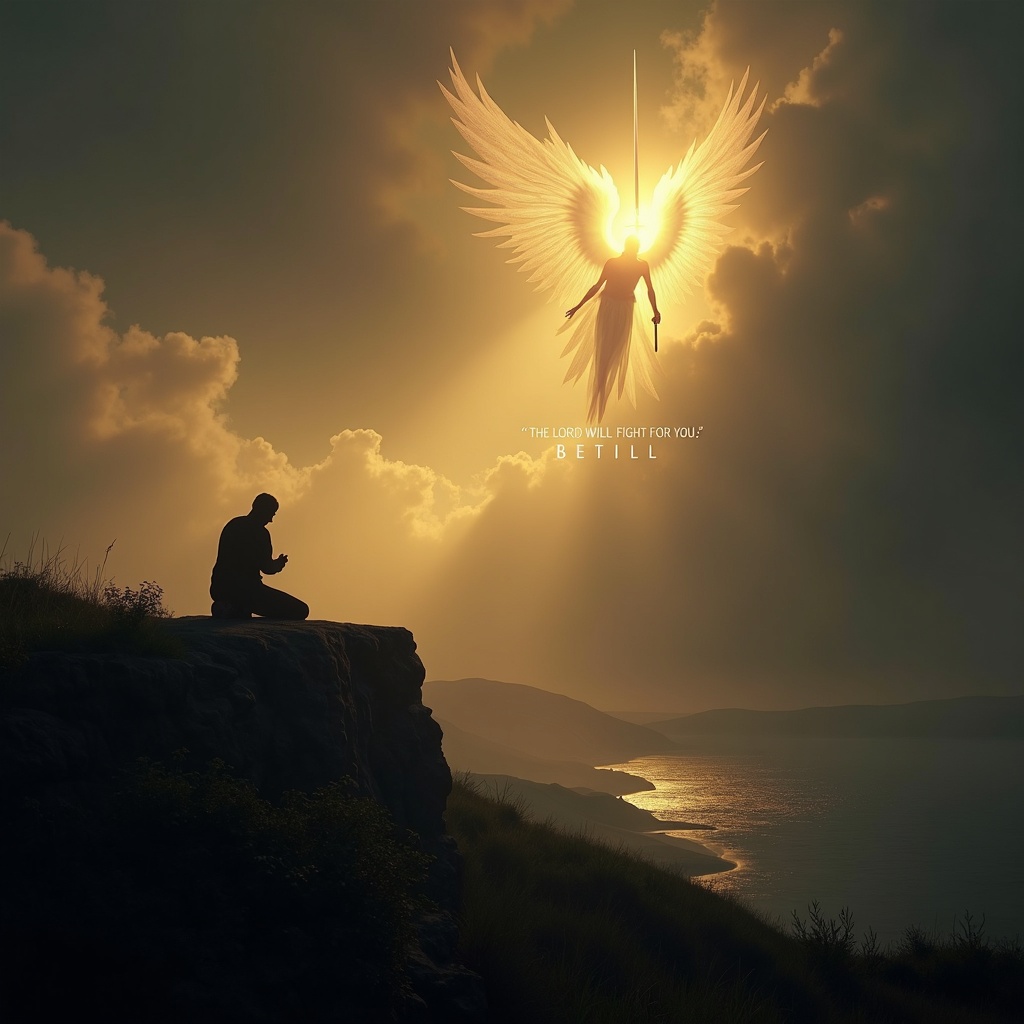
The Lord will fight for you; be still. - Flux.1 dev
prompt
**Prompt:** A serene yet powerful scene depicting a lone figure kneeling in prayer on a windswept cliff at dusk, bathed in golden light breaking through storm clouds. Behind them, a towering, ethereal warrior with radiant wings stands guard, sword raised against an unseen darkness. The landscape is dramatic—rolling hills, a distant battlefield, and a tranquil sea below. The mood is both peaceful and defiant, with soft glows and deep shadows evoking Caravaggio’s chiaroscuro. The figure’s stillness contrasts with the dynamic energy of the divine protector. Text subtly woven into the clouds: *"The Lord will fight for you; be still."* Style: hyper-detailed, cinematic realism with a touch of divine luminescence.
Detailed Analysis of the Flux AI Image Prompt
Analyze the detailed prompt used to generate the image with Flux AI Image Generator.
Explore Flux Prompts for the Flux AI Image Generator
How to generate image by Flux.1 dev
Follow these four simple steps to create your desired image.
Step 1: Enter Your Text (Feel free to refine your prompt for better results)
Step 2: Choose Image Aspect Ratio
Step 3: Select Your Flux Model:
Step 4: Click the Generate Button and Wait a Few Seconds for Your Image
Related Flux AI tools for prompts about Flux.1 dev
Discover advanced tools from Flux AI to boost your creative workflow.